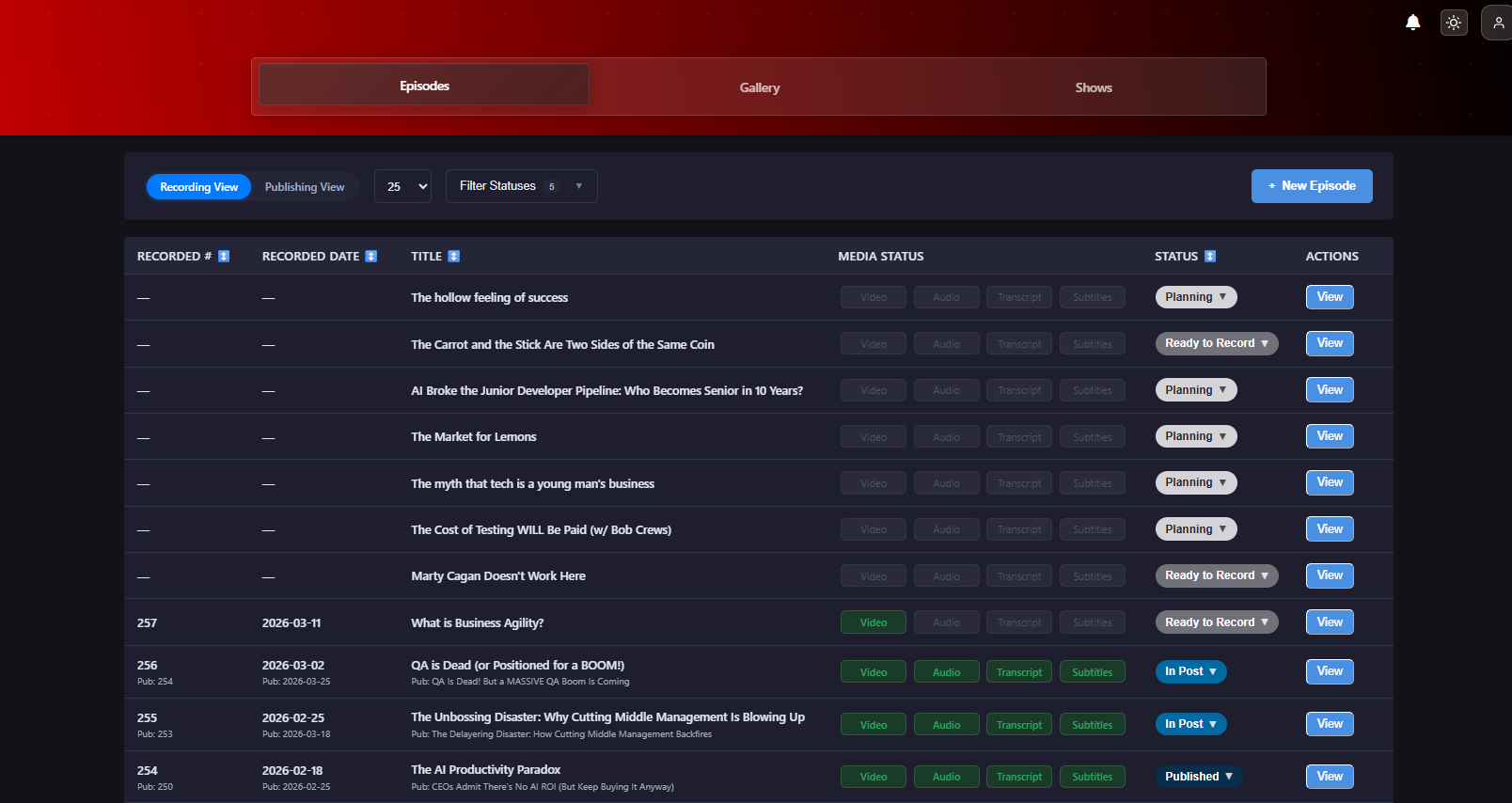
I've produced over 250+ podcast episodes. Somewhere around episode 50, I started counting the tabs:
- Buzzsprout for audio distro
- YouTube for video
- Canva for thumbnails
- Google Docs for show notes
- Google Sheets & Email for guest coordination (technically 2)
- Descript for editing
- Riverside for recording
- LinkedIn and Twitter/X for promotion and sometimes Slack
That's a LOT of tools for one episode. And if I wanted to produce another show, that mess gets doubled... then some of the tool providers started with price hikes (for no clear help with my pain points). So I built ShowMuse!
What ShowMuse Does
ShowMuse handles your entire production. Before you even start recording, the Episode Planning, Recording, Editing, cutting Clips, Creating Thumbnails, Distribution, Social Media Promotion, and storing and organizing everything.
All in one place. All for one (fair) fee.
- Draft ideas on the Planning tab, coordinate with guests right on/in the Plan
- Record with a guest in the Record feature at full 1080p. Recordings are recorded locally and sync'd with the server so you always have great looking video and great sounding audio!
- Note: you can bring your own files as well if you prefer to record elsewhere
- Edit via the transcript or the waveform in our DAW-style editor with multi-track support, insert blocks, and multi-camera layouts.
- Cut clips in landscape or portrait, with or without captions. The Clips Assistant suggests moments worth clipping. You customize your prompts, per show.
- Create thumbnails with custom backgrounds and text in both square and wide formats. Use auto-face-extraction to get snapshots from the recording. What used to take an hour takes about five minutes.
- Distribute to YouTube and Buzzsprout directly from the episode page. Upload, set your metadata, publish. Need another provider or host, just ask!
- Promote across LinkedIn, Facebook, Slack, and more. The Campaign Builder generates and schedules posts across platforms for you to modify and approve, and voice analysis matches each post to your actual writing style so they don't sound like a robot wrote them.
- Track performance. YouTube clips now pull back views, likes, and comments right on the clip card, so you can see what's working without leaving the app.
Pricing
There are three tiers, all meant to serve different levels of users.
Starter at $19/month with 150 credits. I designed this level for the creator doing everything themselves who needs to keep costs as close to zero as they can. This is one of the main reasons I didn't gate-off any features. ALL features are available and with enough credits to fully explore.
Growth at $39/month with 350 credits. I calibrated this level for my weekly video/audio show. It provides enough bandwidth to fully produce the episode, generate ~2-3 clips, and to fully promote across social platforms - all with credits to spare so you can try different variations and experiments.
Business at $139/month with 1,400 credits. I built this level mainly for producers who have multiple shows and don't want to tool-switch. It is also aimed at helping businesses with heavy social media and podcast productions. This tier supports high volume and includes enough credits that you likely won't have to worry about credits!
If you go over, it's $10 for 75 additional credits. No surprise charges, no account lockouts.
As always, the free editor and thumbnail generator are both available at showmuse.com/tools for no charge. No login, no data stored, everything stays in your browser. Capped at 30 minutes of video or 60 minutes of audio.
What's Next
I'm using ShowMuse for my weekly podcast and shipping improvements nearly daily. Every time I encounter an issue that doesn't give me what I want in just a click or two, I put it on my board for improvement.
In the last month alone, I've shipped a DAW editor overhaul, multi-camera support with several layout types, improved the social media connector experience for LinkedIn and Facebook, and made the social media campaign builder far easier to use.
If you run a podcast and you're tired of the tab-switching, give ShowMuse a look! If you'd like, hit me up for a demo account to try it out: brian{at}showmuse.com